What Is a Lock File in Programming and Why Does It Matter?
Dependency drift breaks builds. Learn exactly how package managers like npm, Yarn, and Poetry use lock files to ensure deterministic environments—and discover the critical difference between securing your dependencies and securing your actual local codebase.
What is a lock file in programming?
A lock file is an auto-generated configuration document (such as package-lock.json or poetry.lock) that records the exact, specific versions, cryptographic hashes, and registry URLs of every dependency and sub-dependency in your software project. Its primary purpose is to guarantee "reproducible builds"—ensuring that every developer and CI/CD pipeline installs the exact same code tree, preventing unexpected application breaks due to upstream minor updates.
Table of Contents
- How to Generate Specific Lock Files (npm, Yarn, Poetry)
- Why Package Managers Need Lock Files
- How Lock Files Work: npm, Yarn, Poetry, Terraform
- Should You Commit Lock Files to Git?
- Securing Dependencies vs Securing Source Code
- How to Encrypt Your Local Codebase
- Troubleshooting Lock File Errors
- Frequently Asked Questions
How to Generate Specific Lock Files
Developers frequently need to manually regenerate lock files when resolving merge conflicts, migrating package managers, or updating dependencies. Here are the exact commands to generate the most common lock files without executing a full installation if possible.
pnpm-lock.yaml file by parsing your manifest without actually downloading packages into the node_modules directory, utilize the lockfile-only flag:
pnpm install --lockfile-onlyyarn.lock file from an existing package.json, standard installation is required. To force a regeneration based on the latest allowed ranges in your manifest, use the upgrade command:
yarn install
# To upgrade all packages and overwrite the lock file:
yarn upgradepyproject.toml and generate a poetry.lock file without creating a virtual environment or installing packages:
poetry lockWhy Package Managers Need Lock Files
The entire philosophy of lock file programming revolves around a concept called Semantic Versioning (SemVer). In a manifest file (like package.json), developers specify acceptable version ranges using caret (^) or tilde (~) symbols. For example, ^2.4.1 allows the package manager to download minor updates and bug fixes (up to version 3.0.0).
While this allows projects to automatically receive security patches, it introduces a severe risk: Dependency Drift.
Lock File Reproducibility — Why It Matters
Imagine Developer A runs npm install on Monday and receives version 2.4.1. On Friday, the package author publishes version 2.5.0 containing a subtle bug. When Developer B joins the team and runs npm install, they receive the buggy 2.5.0 version. The application breaks for Developer B, but works perfectly for Developer A. This is the classic "it works on my machine" nightmare.
The lock file acts as a historical snapshot. It records the exact version, the registry URL, and the cryptographic hash (SHA-512) of the code downloaded on Monday. When Developer B installs the project, the package manager ignores the flexible package.json ranges and strictly enforces the exact tree defined in the lock file.
How Lock Files Work: npm, yarn, pip, Terraform
While the goal is universal, different ecosystems format and manage lock files uniquely. Understanding these formats is crucial for resolving conflicts and auditing dependencies.
| Ecosystem | Manifest File | Lock File Name | Format / Details |
|---|---|---|---|
| JavaScript / Node.js | |||
| npm (v2+) | package.json |
package-lock.json |
Massive JSON object detailing the exact nested tree and resolution URLs. |
| Yarn | package.json |
yarn.lock |
Custom, highly readable YAML-like format designed to prevent merge conflicts. |
| Python | |||
| Poetry | pyproject.toml |
poetry.lock |
TOML format separating dependency resolution from the installation phase. |
| uv (Astral) | pyproject.toml |
uv.lock |
A newer, incredibly fast Rust-based lock file for Python dependency resolution. |
| Infrastructure as Code | |||
| Terraform | main.tf |
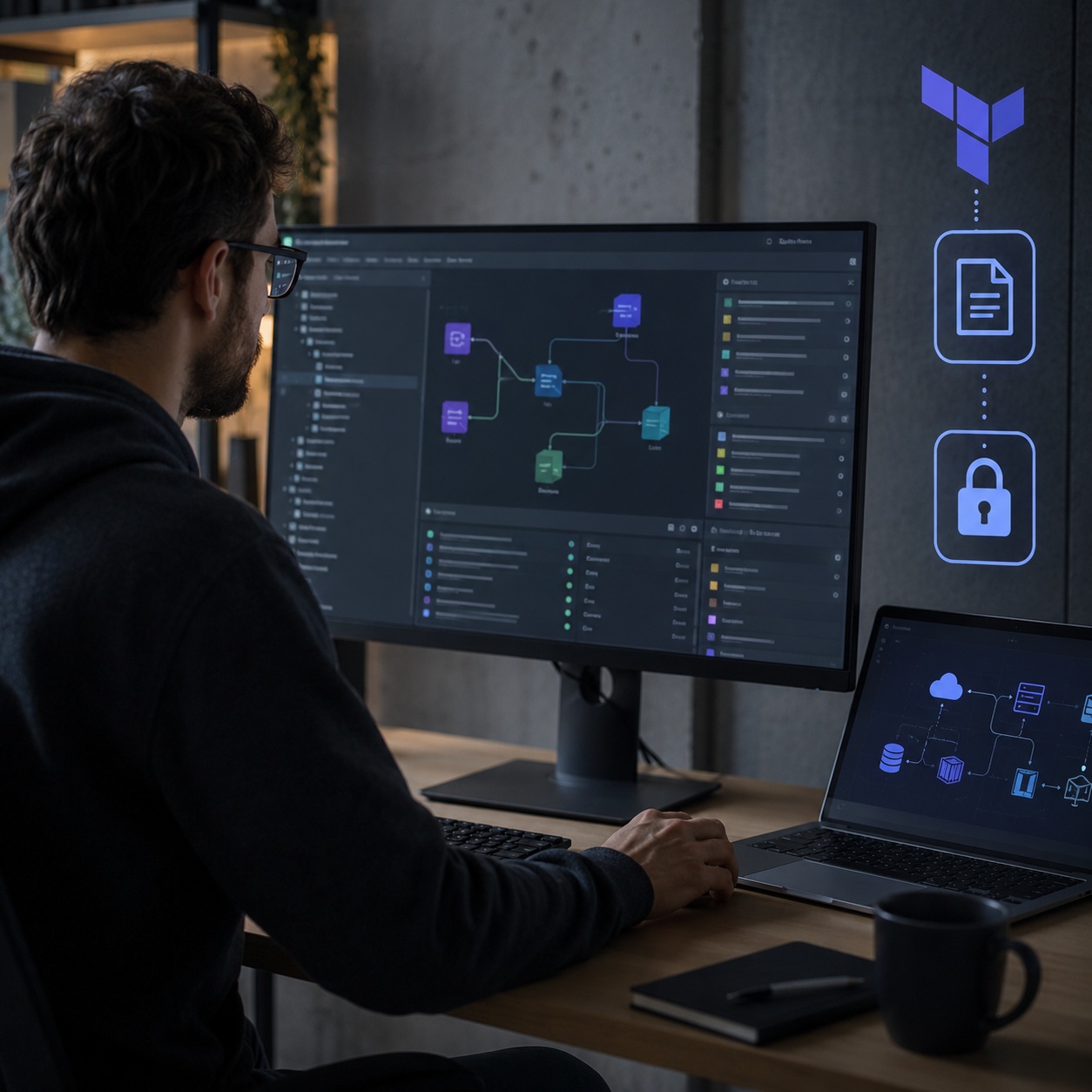
.terraform.lock.hcl |
HCL format locking the specific versions of cloud providers (AWS, GCP plugins). |
Should You Commit Lock Files to Git?
The unequivocal answer for application developers is yes. You must commit your package-lock.json, yarn.lock, or poetry.lock to your version control system (Git).
If you add the lock file to your .gitignore, your CI/CD server will generate a brand new lock file every time it builds your application. This completely defeats the purpose of deterministic builds, meaning a broken minor update could crash your production server even if you haven't touched the code.
Note: Historically, developers of publishable libraries (e.g., an npm package meant to be installed by others) were advised not to commit lock files. However, modern consensus leans toward committing them anyway to ensure consistent contributor environments, while relying on CI matrices to test against varied dependency versions.
Data Privacy vs Data Security: Securing the Local Codebase
Committing a package-lock.json ensures your external dependencies are secure and predictable. But what is securing the actual proprietary source code sitting on your local hard drive?
Developers often leave local repositories containing `.env` files, raw API keys, and unreleased proprietary code completely unencrypted on their machines. If a laptop is stolen, shared, or compromised, a lock file won't protect your intellectual property.
Folder Lock, developed by NewSoftwares.net, provides military-grade AES-256 encryption for your local directories. It acts as an impenetrable vault for your local Git repositories, preventing unauthorized access, accidental deletion, or code theft at the hardware level.
How to Audit Your Local Code Security Setup
While managing dependency lock files ensures application stability, protecting the development environment requires a dedicated approach. Here is how developers use Folder Lock to secure their local workspaces.
Install Folder Lock and create an AES-256 encrypted "Desktop Locker." This acts as a virtual drive (e.g., `Z:\`) that only exists when decrypted. Because it utilizes on-the-fly encryption, it decrypts files into RAM rather than the hard drive, leaving no temporary footprint.

Move your critical Git repositories—especially those containing `.env` files with AWS credentials, database passwords, or proprietary algorithms—directly into the encrypted Virtual Drive.

When you are finished coding, close Folder Lock. The virtual drive immediately unmounts, reverting your codebase into a single, unreadable, encrypted hash file. Even if the machine is compromised or booted in Safe Mode, the code remains inaccessible without the Master Password.

Folder Lock integrates with Dropbox and Google Drive Lockers. You can sync your encrypted codebase securely to the cloud. Because encryption happens locally before upload, the cloud provider cannot scan or access your source code.

Folder Lock does not interfere with Git operations or package lock files, as the virtual drive functions exactly like a normal directory when unlocked.
Troubleshooting Common Lock File Errors
Lock files can occasionally cause friction during development. Here is how to resolve the most frequent and frustrating issues.
Unable to Create Git Index Lock File Exists
This is a different type of lock file. Git uses a file named index.lock to prevent concurrent processes from modifying the repository simultaneously. If a Git process crashes or your IDE hangs during a commit, this lock file is left behind, halting all future Git commands.
The Fix: Verify no Git processes are running in the background. Then, manually delete the orphaned lock file from your terminal:
rm -f .git/index.lockLock File Version 4 Requires `-znext-lockfile-bump`
This error typically occurs during migrations to modern Yarn versions (Yarn Berry/v2+). It indicates that the version of the package manager attempting to read the lock file is older than the engine required by the lock file's format. You must upgrade your global package manager or define the exact Yarn version in your environment.
Could Not Create Parent Directory for Lock File Gradle
Java and Android developers frequently encounter gradle could not create parent directory for lock file. This almost always indicates a permission error in the .gradle/ cache directory. It usually happens if a previous build was executed as sudo (root), leaving cache files owned by root rather than your user account.
The Fix: Reclaim ownership of the Gradle cache directory:
sudo chown -R $USER:$USER ~/.gradleBlocking Waiting for File Lock on Build Directory
This error is common in Rust (Cargo) and Node.js environments when multiple terminal tabs or an IDE background process attempt to build the project simultaneously. Cancel the stalled background process holding the lock, or simply restart your terminal session to release the OS-level file lock.
Interactive Developer Security Audit
Ensure your local environment and dependencies are secure. Check off the items below to calculate your risk score.

Security Score: 0% - High Risk
What Experts Recommend for Securing Code

Locking dependencies is only half the battle. If a developer's laptop is compromised, unencrypted source code and API keys are immediately exposed. We require all local workspaces to be secured inside encrypted containers like Folder Lock to ensure hardware-level security matches our software-level dependency locking.
Folder Lock is the encryption software you can truly trust to protect your files. It utilizes the AES 256-bit key, the exact algorithm trusted by government organizations for classified information. It is essential for protecting local repositories.
Frequently Asked Questions
A lock file is an auto-generated document that records the exact versions, source URLs, and cryptographic hashes of all packages used in a software project. It forces package managers to install identical dependency trees across all environments.
package.json is written by humans and outlines desired dependencies and acceptable version ranges. package-lock.json is generated by npm to record the exact, specific versions installed, guaranteeing deterministic builds.
The .terraform.lock.hcl file records the exact versions and checksums of the Terraform providers (AWS, Azure, etc.) required by your infrastructure configuration. It prevents accidental provider upgrades that could alter infrastructure provisioning.
A lock file is a recipe dictating exactly what needs to be installed. A cache is a local storage folder where the actual downloaded package files are kept so they don't have to be fetched from the internet multiple times.
Unlike package dependencies, an NFS (Network File System) file lock is an OS-level mechanism. It prevents two separate network users or processes from writing to the same file concurrently, which would result in data corruption.
By forcing the package manager to bypass the flexible version ranges in the manifest and strictly download the specific hashes recorded in the lock file, ensuring no unexpected minor updates are introduced during deployment.

The Bottom Line
While committing your yarn.lock or package-lock.json secures your external dependencies against drift, it does nothing to protect the proprietary code sitting on your hard drive. Folder Lock bridges this gap, providing AES-256 military-grade encryption to lock down your local repositories and prevent code theft.
Developed by NewSoftwares.net. Trusted by millions worldwide.